Last Updated: November 12, 2026
Quick Summary
Prevent IT downtime by starting with a downtime risk assessment that ranks each system by likelihood of failure and business impact, then building proactive monitoring, preventive maintenance, patch management, and tested recovery plans around your most exposed systems. Schedule restore drills at least twice a year and review the whole program quarterly so the plan keeps matching reality.
- Rank systems by likelihood of failure and business impact, then focus budget on the few that carry most of the risk.
- Tune monitoring thresholds so every alert means something, because alert fatigue makes teams stop reading them.
- Set RTO and RPO targets per system, not per company, and fix the widest gaps first.
- A second internet connection from a different provider on a different path is the highest-value fallback for most small businesses.
- Put a quarterly downtime prevention review on the calendar to confirm backups, patch compliance, and contact lists are current.
Table of Contents
- Start With a Downtime Risk Assessment
- Build a Proactive IT Monitoring Routine
- Follow an IT Preventive Maintenance Checklist
- Set Up Patch Management and System Updates
- Create a Business Continuity Plan for IT Downtime
- Write and Test an IT Disaster Recovery Plan
- Reduce Risk From Cloud and Third-Party Outages
- Schedule a Downtime Prevention Review
- Frequently Asked Questions
Start With a Downtime Risk Assessment
Business IT downtime is any period when a critical system, network, or service is unavailable and employees cannot do their work. You cannot prevent what you have not measured. That is why every downtime prevention plan starts with a risk assessment, not a purchase order.
A downtime risk assessment is a structured review that ranks each system by how likely it is to fail and how much damage a failure would cause. The output is a short list of your most exposed systems, ranked by risk.
Here is how to run one in a small or midsize business:
- List every system your team touches daily: email, file server, line-of-business app, phones, internet, and cloud tools.
- Rate each system on likelihood of failure and business impact.
- Note who depends on each system and what stops when it goes down.
- Mark single points of failure, such as one internet line or one aging server.
- Record the last time each system was backed up and tested.
A common mistake is treating all systems equally. In practice, a few systems carry most of the risk, and those deserve most of your attention and budget.
For a step-by-step walkthrough of cutting downtime after you have ranked the risks, see our guide on how to reduce business technology downtime.
Build a Proactive IT Monitoring Routine
Proactive IT monitoring is the practice of watching systems continuously so problems are caught before users notice them. The goal is early issue detection, not a prettier dashboard.
Most small businesses do not need round-the-clock staff watching screens. They need automated alerts that reach a real person when something crosses a threshold. A practical routine looks like this:
- Monitor servers, network gear, and internet connections around the clock with automated alerts.
- Watch disk space, memory use, and backup job status daily.
- Review alert history weekly to spot repeat offenders.
- Run a monthly health review of system performance trends.
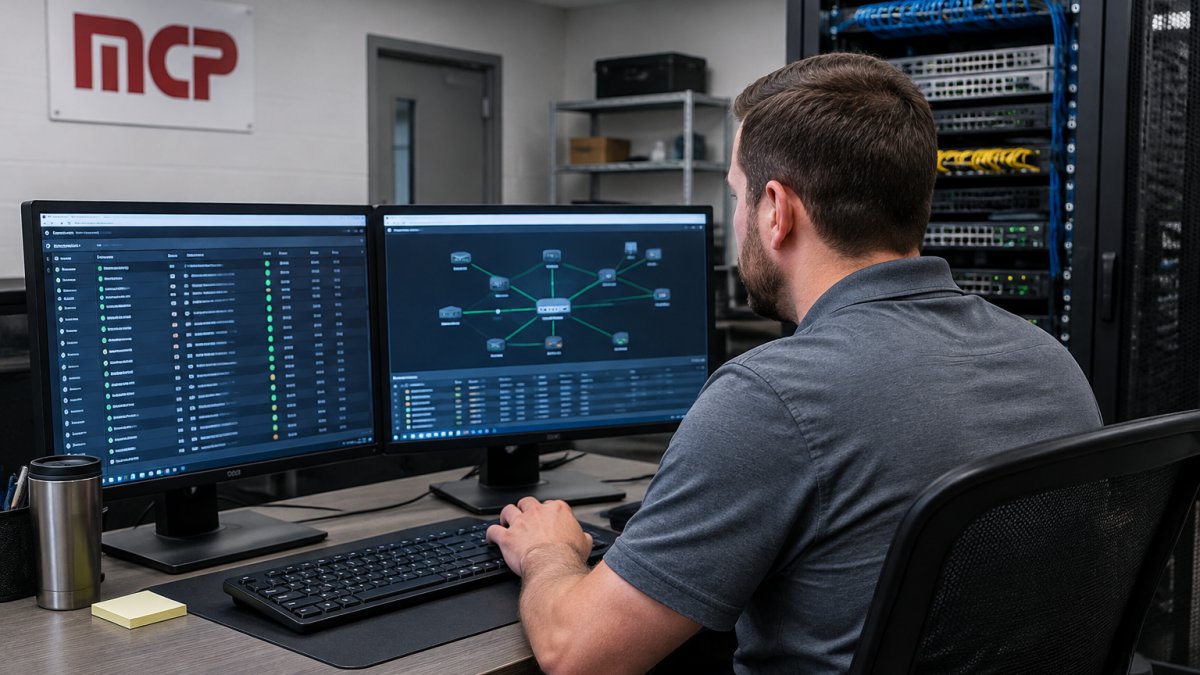
The thing nobody tells you about monitoring is that alert fatigue kills it. If your team gets fifty alerts a week, they stop reading them. Tune thresholds so every alert means something.
If you would rather hand this off, our team provides network management solutions in Buffalo, NY, and we explain the payoff in our article on the benefits of proactive network monitoring.
Follow an IT Preventive Maintenance Checklist
An IT preventive maintenance checklist is a scheduled list of tasks that keep systems healthy before failures happen. Preventive maintenance lets you choose the timing of repairs instead of letting an outage choose it for you.
A workable monthly checklist for a small business:
- Confirm all backups ran and check the logs for errors
- Review and apply approved system updates
- Check antivirus and endpoint protection status on every device
- Inspect server room temperature and battery backups
- Clear old user accounts and review access permissions
- Test one critical system restore in a safe environment
- Review the previous month’s incidents for root-cause patterns
- Confirm monitoring alerts still reach the right people
Scheduled maintenance should also cover aging hardware. Disks, batteries, and network switches fail on a curve, so replace them on a schedule rather than after they fail.
Watch out: skipping the restore test is the most common shortcut, and it is the one that turns a backup into a false sense of security.
Set Up Patch Management and System Updates
Patch management is the process of tracking, testing, and applying software updates across your systems on a schedule. Unpatched software is one of the easiest doors for attackers to walk through, and it is one of the easiest to close.
The trick is speed with control. Apply security patches quickly, but test first so an update does not break your line-of-business app.
A simple patch routine:
- Keep an inventory of every operating system and application you run.
- Set a schedule: security patches within days, feature updates on a monthly cycle.
- Test patches on a small group before rolling them out to everyone.
- Track which devices are out of compliance and follow up.
- Retire software the vendor no longer supports.
Create a Business Continuity Plan for IT Downtime
A business continuity plan for IT downtime is a written plan that describes how the business keeps operating while systems are down. It covers people and processes, not just technology.
Most continuity plans answer four questions:
- Which functions must keep running, and for how long can each pause?
- What manual workaround exists for each critical function?
- Who makes the call to activate the plan, and who tells staff and customers?
- Where do staff work if the office network is unavailable?
Keep the plan short enough that someone can follow it under stress. A two-page plan that people have read beats a fifty-page binder nobody opens.
When the continuity plan calls for restoring systems, our backup and disaster recovery services cover the technical side of getting data and systems back online.
Write and Test an IT Disaster Recovery Plan
Recovery time objective (RTO) is how long you can afford to be down. Recovery point objective (RPO) is how much data you can afford to lose, measured in time.
A practical way to set them:
- For each system on your risk list, write down the longest outage the business can absorb before revenue, safety, or compliance is affected. That is the RTO ceiling.
- Write down how much data loss the business can reconstruct by hand. That is the RPO ceiling.
- Compare those ceilings to what your current backups and recovery tools can actually deliver. The difference is your real exposure.
- Rank systems by the size of that gap, and fix the widest gaps first.
Then build backups and recovery steps to match the targets rather than the other way around. A backup that has never been restored is a hope, not a plan.
Watch out: a restore that succeeds on a test server but takes twice the RTO because nobody documented the application dependencies is a failed drill, not a pass.
Use the drill results to update the plan, not to file and forget. If recovery time is far off target, that gap is your next project, not a footnote.
Keep the technical plan short and specific: the restore order, who performs each step, where the recovery media and credentials are stored, and the phone numbers for your software vendors.
Reduce Risk From Cloud and Third-Party Outages
Your systems are only as reliable as the providers you depend on.
Start by mapping your dependencies. List every provider your critical functions rely on: internet, phones, email hosting, and each SaaS tool. For each one, record the failure modes that actually happen, a regional cloud outage, an expired certificate, a billing suspension, a SaaS vendor’s bad update, a fiber cut, a domain or DNS lapse, and answer three questions:
- What happens to our work if this provider goes down for a day?
- Do we have a backup connection, a local copy of the data, or a manual workaround?
- What does the provider’s service agreement actually promise, and what does it not?
Then rank each provider by how much business impact a day-long outage would cause, and spend your fallback budget from the top down.
Watch out: a second connection from the same provider, or one that shares the same conduit into the building, does not protect you from the outage you are most likely to face.
Treat security threats such as ransomware as an outage scenario, because a ransomware attack is downtime with a demand attached. Our article on how to prevent ransomware in small business covers the practical controls.
Finally, write down the decision rule for each top-ranked dependency: at what outage length do we switch to the fallback, who makes the call, and how do staff find out? A fallback nobody knows how to activate is not a control.
Schedule a Downtime Prevention Review
A downtime prevention review is a recurring meeting where you check whether the plan still matches reality. Technology changes, staff change, and providers change. A plan reviewed once a year quietly rots.
Put a quarterly review on the calendar. Walk through the risk list, confirm backups and restore drills happened, check patch compliance, and update contact lists. Then ask one blunt question: if our most critical system failed tomorrow, what would actually happen?
That question exposes gaps faster than any checklist.
Here is the whole program on one page:
| Step | What It Covers | How Often |
|---|---|---|
| Risk assessment | Rank systems by likelihood and impact | Annually, or after major change |
| Proactive monitoring | Alerts, early issue detection, health reviews | Continuous, reviewed weekly |
| Preventive maintenance | Checklist tasks, hardware replacement | Monthly |
| Patch management | Updates, testing, compliance tracking | Monthly, security patches faster |
| Business continuity | Manual workarounds, roles, communication | Reviewed twice a year |
| Disaster recovery | RTO and RPO targets, restore drills | Drills twice a year |
| Third-party risk | Provider mapping, backup connections | Reviewed quarterly |
| Prevention review | Full program check | Quarterly |
Most businesses do not lose a week to one big disaster. They lose hours, again and again, to small failures nobody planned for. That pattern is fixable, and it starts with a plan rather than a repair bill.
Marchese Computer Products, Inc. has managed technology for businesses in Western New York since 1981. Our team offers managed IT, cybersecurity, disaster recovery, and telecommunications, with hands-on, responsive support. If you want a partner who treats downtime prevention as ongoing work rather than a one-time fix, schedule a call and we will review your risk list with you.
Frequently Asked Questions
What are the most common causes of business IT downtime?
Hardware failures, power outages, cybersecurity incidents such as ransomware, failed software updates, human error, and internet or cloud provider outages account for most unplanned downtime. For small and midsize businesses, a single failed server or an unpatched system can halt operations for hours. A risk assessment that lists your critical systems and their likely failure points is the fastest way to see which causes apply to you, so you can prioritize monitoring, backups, and redundancy where they matter most.
How often should businesses test their backups and disaster recovery plans?
Test backup restoration at least quarterly, and run a full disaster recovery exercise at least once a year. A backup you have never restored is an assumption, not a safeguard. During the test, confirm that files restore within your recovery time objective and that the recovered data is current enough for your recovery point objective. Document what failed and fix it before a real outage forces the issue. Businesses handling sensitive data should test more often.
How can proactive IT monitoring prevent outages?
Proactive IT monitoring watches servers, networks, and endpoints around the clock for warning signs like failing drives, low disk space, overheating hardware, and unusual network traffic. Catching these issues early lets your team replace parts or apply fixes during scheduled maintenance instead of during a crisis. Monitoring also shortens mean time to detect, so incidents are handled before they spread. Combined with a preventive maintenance checklist, it turns IT from reactive firefighting into planned, predictable work.
What should an IT downtime prevention plan include?
A complete plan covers a risk assessment of critical systems, 24/7 monitoring, a preventive maintenance checklist, patch management, tested data backups, redundant systems for key functions, employee security training, and a business continuity plan with clear recovery targets. It should also name who does what during an incident and how staff and customers are notified. Review the plan at least annually, update it after every outage, and assign an owner so it stays current rather than sitting in a drawer.