Last Updated: November 10, 2026
Quick Summary
An integrated security system is a single platform that connects access control, video surveillance, intrusion alarms and fire and life-safety monitoring so they share data and respond together. This lets a door badge scan trigger a camera view and an alarm log entry at the same time, turning scattered alerts into one picture of site activity.
- Review your access credential list at least quarterly and remove access the day someone leaves.
- Plan camera storage before buying, since retention, resolution and frame rate determine storage needs.
- Compare quotes on total cost of ownership over three to five years, not the first invoice.
- Ask whether software licensing covers new cameras and doors added later, to avoid surprise charges.
- Change default passwords and isolate security devices on their own network segment to reduce cyber risk.
Table of Contents
- What an Integrated Security System Is for an Office
- Core Components: Access Control, Video Surveillance, and Alarms
- How Business Alarm Systems Connect to Access and Video
- Choosing Commercial Building Security Systems by Office Size and Layout
- Total Cost of Ownership and Pricing Factors
- Cybersecurity, Legacy Migration, and Compliance Checks
- Scheduling Your Office Security Assessment with Marchese
- Frequently Asked Questions
What an Integrated Security System Is for an Office
An integrated security system is a single platform that connects access control, video surveillance, intrusion alarms and fire and life-safety monitoring so they share data and respond together.
Many office managers start with one system, such as a keycard door reader, and add others later. That approach works, but it often leaves gaps. Each piece may use a different vendor, a different login and a different software dashboard.
We recommend thinking about integration in three layers: the devices in the space, the software that manages them, and the people who respond to alerts. Getting all three to work together is what separates a truly integrated system from a bundle of unrelated products.
Core Components: Access Control, Video Surveillance, and Alarms
Most office security systems rest on three core components. Each one does a different job, and each one becomes more useful when it feeds information to the others.
Office Access Control Systems and Credentials
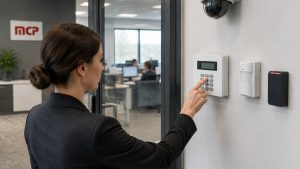
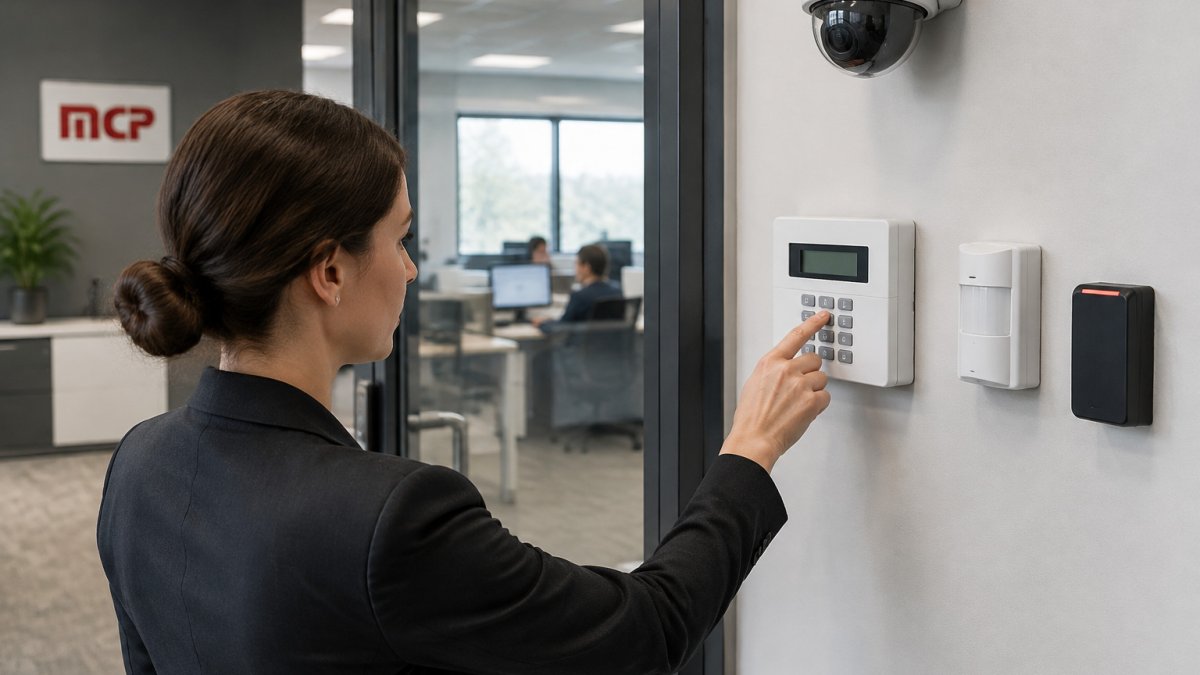
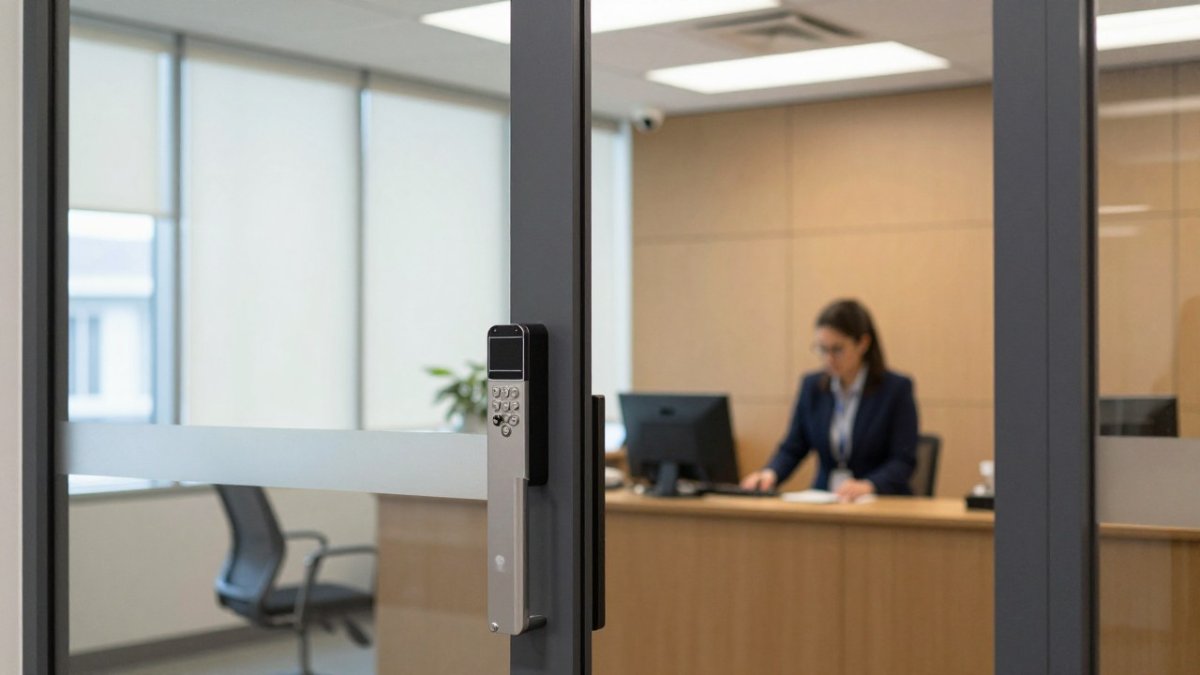
Access control decides who can enter which doors, and when. The most common credential is a keycard or key fob, though many offices now use mobile phone credentials, PIN codes or biometric readers for high-security rooms.
A common mistake is treating access control as a one-time installation. Staff change, contractors come and go, and cards get forgotten. Review your credential list at least quarterly and remove access the day someone leaves. This single habit closes a large share of real-world security gaps.
Commercial Video Surveillance Systems and IP Cameras
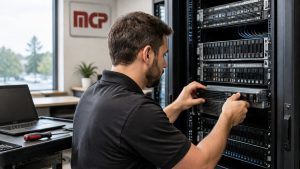
Modern offices mostly use IP cameras, which send video over the building network rather than dedicated coaxial cable. You can review the surveillance and alarm hardware we offer to see how these devices are installed and managed.
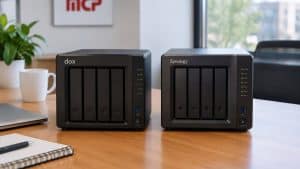
Plan storage before you buy cameras. Retention periods, resolution and frame rate determine how much storage you need, and underestimating this is one of the most frequent problems we see.
The three core components each handle a different job, and the table below sums up what each one does and where it tends to go wrong.
| Component | Main job | Common mistake |
|---|---|---|
| Access control | Grants and logs entry by role | Treating it as a one-time install |
| Video surveillance | Records and views activity | Underestimating storage needs |
| Alarms | Triggers a response to intrusion | Generating repeated false alarms |
How Business Alarm Systems Connect to Access and Video
The alarm system is the part that triggers a response. Motion sensors, door contacts and glass-break detectors feed into a central panel that can sound a local siren, notify a monitoring center, or alert staff by phone.
Integration matters most here. When a door alarm is triggered after hours, a connected system can pull up the camera nearest that door and show the associated access card event. That combination lets a monitoring operator decide within seconds whether to dispatch help or verify a false alarm. Reducing false alarms this way also saves money, since many local jurisdictions charge fees for repeated false dispatches.
Choosing Commercial Building Security Systems by Office Size and Layout
No single configuration fits every office. A 10-person suite with one entrance has very different needs from a multi-floor building with shared tenant space, and the gap between those two is where most buying mistakes happen. The practical approach is to size the system to three variables: the number of controlled entry points, the number of cameras needed to cover those points plus critical interior spaces, and how many people need to administer the system day to day.
Small offices (roughly 5-25 people, single suite)
A typical small-office build is one access control panel, one to three doors of access control (main entry, a server or IT closet, and any cash-handling or records room), four to eight IP cameras, and a basic intrusion alarm on the perimeter. Credentials are usually keycards or mobile credentials, and administration is handled by one office manager through a cloud or web-based console. The design priority is the main entry: a single door with a reader, a door-position sensor, and a camera aimed at face height covers most of the risk. Interior cameras on reception and the IT closet are the next add.
Midsize offices (roughly 25-150 people, one to three floors)
At this size the system starts to need structure. Expect five to fifteen controlled doors, fifteen to forty cameras, and a platform that supports role-based permissions so HR, facilities, and IT each see only what they need. Add a visitor management workflow at reception so guests are badged, logged, and escorted rather than buzzed in. Multi-floor layouts should treat each floor’s elevator lobby or stairwell door as a control point, not just the building entrance, because once someone is inside the building the floor is the real security boundary.
Multi-floor and multi-tenant buildings
Larger offices and shared buildings need a server-based or enterprise cloud platform that can manage many doors and cameras from one console, with permissions segmented by tenant or department. Plan for a dedicated security network segment or VLAN, redundant recording (local plus cloud, or a second recorder), and a documented credential lifecycle because turnover at this scale is constant. Elevator control, parking or garage access, and after-hours HVAC or lighting tied to badge events are common integrations at this tier.
How layout drives device placement
Layout, not square footage, determines where devices go. Walk the space in the order a person would: parking or street entry, building entrance, reception, elevator lobby, floor corridors, then sensitive rooms. Cover every entry point, reception, server and IT rooms, and any high-value storage first. Then add cameras to hallways, stairwells, and parking areas if your risk assessment calls for it.
Watch out: A quote built from a floor plan without a site walk routinely misses door hardware (electric strikes, request-to-exit sensors, door position switches) and cable pathways, and those omissions are where change orders come from after the contract is signed.
Total Cost of Ownership and Pricing Factors
Pricing for office security varies widely, and the sticker price of hardware is only part of the cost. Because published list prices are rare and every building is different, the useful move is to understand the cost structure well enough to budget a range and compare quotes line by line. Pricing depends on quantity, scope and installation requirements, so request a quote from Marchese Computer Products, Inc. for current prices.
The five cost buckets
Every office security quote should break into these categories, and you should ask for them separately:
- Hardware. Access control readers, controllers, and door hardware (electric strikes, mag locks, request-to-exit sensors, door position switches); IP cameras, lenses, and mounts; alarm panel, motion sensors, door contacts, and glass-break detectors. Door hardware is frequently underestimated because it is invisible in a camera-and-reader quote.
- Installation and cabling. Labor, cable, conduit, network drops, and any electrical work. Retrofitting an older building with finished walls and no cable pathways can cost more in labor than the hardware itself.
- Software licensing. Either a one-time license with an annual maintenance/support fee, or a subscription per door, per camera, or per user. This is where quotes diverge most, so compare the licensing model, not just the first-year number.
- Monitoring and connectivity. Monitoring and connectivity costs, where they apply to the chosen system.
- Ongoing service. Firmware updates, camera cleaning and health checks, credential administration, and warranty extensions after the initial term.
Planning ranges by office size
Costs depend on the number of doors, cameras and alarm zones, installation complexity and whether monitoring is included. Request an itemized quote from Marchese Computer Products, Inc. and compare at least three quotes before committing.
Comparing quotes on total cost of ownership
When comparing quotes, look at total cost of ownership over three to five years, not the first invoice. Build a simple spreadsheet with one column per vendor and these rows:
- Hardware and installation (itemized by door and camera)
- Software licensing: first year, year two, and year five
- Annual support and maintenance percentage
- Monitoring fees and alarm permit costs
- Cloud storage or local server maintenance and replacement
- Expected camera and recorder refresh cycle (often five to seven years)
- Staff time spent managing credentials and reviewing footage
A cheaper system with high monthly fees or limited expansion options can cost more over time than a higher-priced system with transparent, scalable licensing. The licensing model is the single biggest predictor of long-term cost: per-door and per-camera subscriptions scale linearly with growth, while a site license with a maintenance percentage can be cheaper at scale but carries a larger upfront commitment.
Watch out: Ask whether the software license covers new cameras and doors you may add later, or whether each addition triggers a new charge. Surprise licensing costs are one of the most common budget problems after installation.
Cybersecurity, Legacy Migration, and Compliance Checks
Connected security devices are also network devices, which creates cybersecurity risk. A local cybersecurity services provider can assess how exposed your connected devices are before you install them.
If you are moving from an older, standalone system, plan the migration carefully. Legacy door controllers may not speak the same protocols as newer platforms, and some older cameras cannot be integrated without replacement.
Compliance also matters. Depending on your industry, you may need to retain footage for a set period, restrict who can view it, or document access to sensitive areas. A compliance services provider can also check your security setup against industry requirements.
Scheduling Your Office Security Assessment with Marchese
The fastest way to see what an integrated system would do for your office is a professional assessment. Marchese Computer Products, Inc. has been helping businesses across Western New York with IT since 1981.
To get started, schedule a call with our team.
Protect your office with a security system designed around how your business actually operates. Schedule a call with Marchese Computer Products, Inc. to plan an integrated setup that fits your space and budget.
Frequently Asked Questions
What is the best security system for an office?
No single system fits every office. The best choice depends on floor size, number of entry points, staff count and whether you already run cloud or legacy systems. A small office may need keycard access, a few IP cameras and a monitored alarm, while a multi-floor site may need central management across all three. Start with a site walkthrough that maps doors, sensitive areas and existing wiring, then match components to those gaps.
What is an integrated security system?
An integrated security system connects access control, video surveillance, intrusion alarms and, where needed, fire and life-safety devices under shared management. When a door held open triggers an alarm and pulls up the nearest camera feed, staff respond faster and with better information. Integration also reduces the number of separate logins and vendors to manage. Compatibility between components matters, so confirm that your chosen hardware supports open or common protocols before you buy.
How much does an office security system cost?
Costs vary with the number of doors, cameras, alarm zones and whether the system is cloud-managed or on-premise. Installation labor, cabling, monitoring fees and annual maintenance all add to the total. Because pricing depends on scope, the most reliable approach is a site-specific quote. Marchese Computer Products, Inc. lists current pricing on its website.
Can office alarms integrate with access control and video surveillance?
Yes, many modern alarm panels and access platforms share events with video management software, so an alarm can trigger camera recording and log the door involved. Integration works best when components come from compatible vendors or are configured through a single management platform. Older equipment may need gateways or replacement to communicate. Ask any provider to document which devices integrate natively and which require additional hardware.