Quick Summary
Choose it consulting services in western in New York by first deciding whether you need advisory planning, ongoing managed support, or both. Consulting produces a plan for systems, security and budget, while managed services keep technology running day to day.
- Consulting is usually a project-based advisory service, while managed IT services are ongoing and operational.
- Ask two questions: does your staff run IT daily, and do you have a two-year technology plan?
- Start with an assessment so any managed contract matches your actual gaps.
- Set recovery time and recovery data-loss targets per system before choosing disaster recovery methods.
- Request quotes based on your specific users, devices, locations and services rather than generic rates.
Table of Contents
- What IT Consulting Services Cover for Small Businesses
- IT Consulting vs. Managed IT Services: Which Do You Need?
- Managed IT Services for Small Businesses
- Business Cybersecurity Services and Ransomware Protection
- IT Disaster Recovery Services and Continuity Planning
- Local Compliance, Hybrid Work, and Telecom Needs
- Booking Your IT Assessment With Marchese
- Frequently Asked Questions
What IT Consulting Services Cover for Small Businesses
Last Updated: October 30, 2026
Choosing it consulting services in western in New York starts with knowing what you actually need. For a checklist of criteria to weigh before you choose, see how to choose a managed IT services provider.
At Marchese Computer Products, Inc., we have been helping businesses in Western and Central New York since 1981. Our work covers far more than fixing computers.
IT consulting is an advisory service. A consultant reviews your current setup, identifies gaps and recommends a plan. That plan might cover hardware purchases, software choices, network design, security policies or a timeline for upgrades.
For most small businesses, the core areas include:
- Technology assessments: A review of servers, workstations, network equipment and software licenses
- Security reviews: An evaluation of passwords, access controls, backups and staff habits
- Infrastructure planning: Advice on cloud services, network layout and future capacity
- Vendor and budget guidance: Help comparing providers and deciding where to spend
- Compliance awareness: Support for the rules that apply to your industry
A common mistake is treating it consulting services in western in New York as a one-time purchase. Ensuring long-term accountability often requires the same strategic oversight one expects when hiring a leadership consultant to guide organizational growth.
IT Consulting vs. Managed IT Services: Which Do You Need?
IT consulting tells you what to fix and how. Managed IT services handle the day-to-day work of keeping systems running. Many businesses need both, but they should not confuse one with the other.
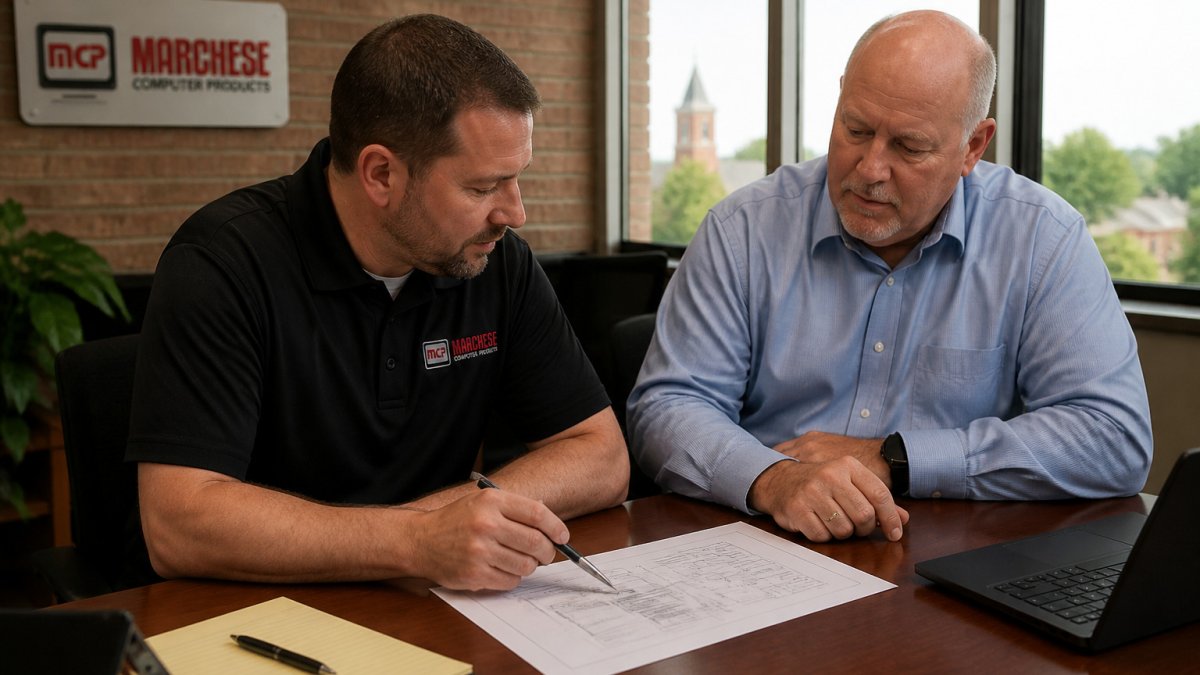
Consulting is usually project-based and advisory. Managed services are ongoing and operational. A managed provider monitors your network, applies updates, responds to help desk requests and watches for threats.
Ask yourself two questions. First, do you have someone on staff who can run your IT every day? Second, do you have a clear plan for where your technology should be in two years?
Watch out: Signing a long managed contract before you understand your systems can lock you into services you do not need. Start with an assessment so the contract matches your actual gaps.
Managed IT Services for Small Businesses
Managed IT services give small businesses access to a full technical team for a predictable monthly fee.
The biggest benefits are consistency and early warning. Problems are often caught before staff notice them. Patches are applied on schedule. Backups are verified rather than assumed to work.
Managed services also help with cost planning. Compare the types of managed IT services available to small businesses to see which fit your needs. You know roughly what IT support will cost each month, which makes budgeting simpler.
When you evaluate a managed provider, look for clear response times, a named point of contact and a written description of what is covered.
Business Cybersecurity Services and Ransomware Protection
Ransomware and phishing attacks target small businesses because they often lack dedicated security staff. A single compromised login or unpatched system can stop operations for days.
Effective cybersecurity combines several layers. Endpoint protection guards individual computers. Multi-factor authentication makes stolen passwords less useful. Regular patching closes known weaknesses. Staff training reduces the chance someone clicks a malicious link.
Backups matter just as much as prevention. Keep copies of critical data in a location that ransomware cannot reach, and test restores regularly.
Ask any prospective provider how they monitor for threats after hours, what happens when a suspicious event is detected and whether a human reviews alerts.
IT Disaster Recovery Services and Continuity Planning
Disaster recovery planning answers a simple question: how quickly can your business operate after a serious failure? That failure might be a fire, a flood, a hardware crash or a successful cyberattack.
Start with two numbers
Every critical system needs two targets agreed on by the business owner, not just the IT provider:
- Recovery Time Objective (RTO): the maximum acceptable downtime. Accounting may tolerate four hours. Email may tolerate one. A production line control system may tolerate minutes.
- Recovery Point Objective (RPO): the maximum acceptable data loss, measured in time. An RPO of one hour means backups must run at least hourly.
Write these down per system. They drive every decision that follows, including budget. A system with a one-hour RTO needs different (and more expensive) protection than one that can wait a day.
Match recovery methods to the targets
A common pattern is a tiered approach:
- Tier 1, business-critical: replicated to a secondary environment or protected by continuous backup with rapid restore. Expect higher cost.
- Tier 2, important: backed up frequently and restorable within a business day.
- Tier 3, replaceable: reinstall from vendor media or cloud services if lost.
Backups must be isolated from the production network so ransomware cannot encrypt them. The 3-2-1 rule still holds: three copies, on two media types, with one off-site. Immutable or object-locked cloud storage adds protection against deletion.
Document the plan
A usable plan names who declares a disaster, who calls staff, who talks to customers and who contacts counsel and insurers. It lists vendor contacts, license keys, network diagrams and the order systems come back online. Keep a printed copy off-site, because your intranet may be the first thing to go down.
Test it
An untested plan is a hope. Test at least annually, and after any major change. A tabletop exercise, walking the team through a simulated ransomware event, surfaces gaps cheaply. A full restore test proves the backups actually work. Record the results and fix what failed.
Ask a prospective provider for a sample recovery runbook and the date of their last client restore test. The answer tells you more than any brochure.
What it costs
Disaster recovery pricing usually scales with the RTO and RPO you choose, the amount of data protected and whether you need a warm standby environment. A small business protecting a handful of servers and Microsoft 365 mailboxes typically pays a monthly fee for backup and a one-time setup charge; a business needing a warm site for line-of-business applications pays more.
Review the service details on the Marchese Computer Products, Inc. website to see how disaster recovery options fit your recovery goals. You can also explore our backup and disaster recovery services in Buffalo, NY.
The article sets out the two recovery targets every critical system needs and how they map to tiers.
| Target or tier | What it means | Example from the article |
|---|---|---|
| RTO | Maximum acceptable downtime | Email may tolerate one hour |
| RPO | Maximum acceptable data loss | An RPO of one hour means hourly backups |
| Tier 1 | Business-critical systems | Replicated or continuously backed up |
| Tier 2 | Important systems | Restorable within a business day |
| Tier 3 | Replaceable systems | Reinstalled from vendor media or cloud |
| Testing | Proves backups actually work | Test at least annually |
Local Compliance, Hybrid Work, and Telecom Needs
Generic IT advice does not account for the rules that actually apply to businesses in this region. Western New York businesses looking for nearby support can review our Buffalo managed IT service page. Three areas deserve a closer look: industry compliance, hybrid work infrastructure and telecom.
The compliance rules most likely to apply to you
Compliance is not one checklist. It depends on your industry and the data you touch. Common areas to review include:
- HIPAA Security Rule: Applies to healthcare providers and business associates that handle protected health information. It requires risk analysis, access controls and a documented breach-notification process.
- The NY SHIELD Act: New York’s data-security law applies to businesses holding private information of New York residents. Consult the official New York source for current requirements and your incident-response obligations.
- PCI DSS: Applies to businesses that accept card payments, including through third-party processors.
- Manufacturing and defense supply chain: Businesses working under DFARS or as part of the defense industrial base may need to meet CMMC requirements.
- Legal and financial services: Attorneys and financial firms have confidentiality and recordkeeping obligations that should be reviewed against the applicable official rules.
A practical compliance review produces evidence such as a written risk assessment, access-control records and a tested incident-response plan. Ask any consultant whether they will produce those artifacts.
Do not assume your industry is exempt because you are small. The SHIELD Act and HIPAA both apply based on the data you hold, not your headcount.
Hybrid work infrastructure
A hybrid workforce changes your network perimeter. When staff work from home, the office firewall no longer protects the work. Plan for three things:
- Identity as the perimeter. Multi-factor authentication on email, line-of-business apps and remote access is the baseline. Conditional access policies that block sign-ins from unfamiliar locations or unmanaged devices close the gap that passwords leave open.
- Device management. Company laptops should be encrypted, patched remotely and enrolled in a management platform so you can wipe them if lost. Personal devices used for work need a written policy and, at minimum, separation of company data from personal data.
- Connectivity. Home internet varies widely. A business-grade router, a backup hotspot and a documented process for reporting outages keep remote staff productive. For offices, a second internet circuit from a different provider is often cheaper than an hour of downtime.
Telecom
Phone and internet service affect every part of operations, yet they are often the last thing reviewed. A consultant can compare hosted VoIP against on-premises phone systems, evaluate fiber availability at your address and time a cutover so customers never hear a busy signal. Ask whether the provider can manage voice, connectivity and the underlying network together. If the answer requires three separate vendors, you will spend more time coordinating than solving problems.
The compliance and hybrid-work questions are where local knowledge pays off. A provider who has walked other area businesses through HIPAA risk analyses, SHIELD Act readiness and VoIP cutovers will move faster than one learning your industry on your dime.
Booking Your IT Assessment With Marchese
The most useful first step is an assessment. It gives you a clear picture of your current systems, risks and priorities before you commit to any service.
At Marchese Computer Products, Inc., we begin by listening to how your business runs and where technology slows it down. Then we review your environment and outline practical next steps. Customers have worked with us for years and value being able to reach our team directly. Learn more about managed IT services for small businesses.
If you are ready to talk through your options, schedule a call with our team. We will help you decide what to fix first and what can wait.
Frequently Asked Questions
What does an IT consulting company do?
An IT consulting company reviews how your technology supports your business goals, then recommends and sometimes implements changes. Typical work includes network and infrastructure assessments, software and hardware planning, vendor selection, security reviews, and a technology roadmap for the next several years. Some firms also provide hands-on help desk support. The value lies in matching tools to real operational needs rather than buying equipment reactively when something breaks.
How much do IT consulting services cost for a small business?
Pricing depends on the scope of work, the number of users and devices, and whether you need one-time projects or ongoing managed support. The most accurate figure comes from the Marchese Computer Products, Inc. pricing page or a direct quote after an assessment. When comparing proposals in USD, ask what is included: after-hours support, cybersecurity monitoring, backups, and disaster recovery testing.
What is the difference between IT consulting and managed IT services?
IT consulting is advisory and project-based: a consultant assesses your environment and plans improvements, often for a fixed engagement. Managed IT services are ongoing: a provider monitors, maintains, and supports your systems for a recurring fee. Many small businesses start with an assessment and move into managed support once the roadmap is clear, which keeps decisions aligned with the day-to-day operation.
Can an IT consultant help with cybersecurity and disaster recovery?
Yes. A consultant can review your current protections, recommend endpoint security, backup policies, and access controls, and test whether your data can be restored after a ransomware incident or hardware failure. Ask for documented recovery time and recovery point targets, and confirm that backups are tested rather than assumed to work.